Kling 4.0 for Video Ads: Specs, Real Costs, What to Test First
Kling 4.0 launched on 15 October 2026. What it changes for video ads: 30-second clips, 10 keyframes, per-second costs, what isn't ready, and a test plan.

Kuaishou pitches Kling 4.0 at people who need a finished piece of work, not just one good shot. The company says it officially launched on 15 October 2026, and on 23 October it also arrived on Runway’s developer platform. Three weeks on, the price tables are public, so this is a good moment to look at it as an advertiser.
This guide covers what actually changes for ad production, what it costs per second, which promised features aren’t ready, and the tests I would run before putting a client’s budget on it. All specs and prices are as of November 2026 and come from the official pages linked here.
What launched: Kling 4.0 and Kling 4.0 Flash
There are two models, and the difference matters for your budget. These specs come from Kling’s release notes:
| Kling 4.0 | Kling 4.0 Flash | |
|---|---|---|
| Length per generation | 3 to 30 seconds | 3 to 20 seconds |
| Resolution | 720p, 1080p, 4K listed | 720p |
| Dynamic range | 10-bit HDR listed, “coming soon” | 8-bit SDR |
| Keyframes | First and last frame, up to 10 keyframes | Not listed |
| References | Up to 15 assets | Omni Reference listed |
| Aspect ratios | 21:9, 16:9, 1:1, 9:16, Auto | Not listed separately |
Kling’s sound output is two-channel stereo with improved lip sync, and dialogue languages include English, German, French, Spanish and Portuguese. Turkish isn’t named in Kling’s lists, so test it before you promise it.

Four changes that matter for ads
Keyframes turn a brief into a timeline
Kling 3.0 had start and end frames. Kling 4.0 takes up to 10 keyframe images, and your prompt describes what happens between them. This fits how ads are actually briefed: hook in the first seconds, product reveal, close-up, use, end card.
A 15-second spot might have five frames: the problem, the product entering, a close-up, the product in use and a final composition. You still get a single generation, but you decide the beats instead of hoping the model lands on them.
Thirty seconds in one pass, but keep your cuts
Kling 3.0 stopped at 15 seconds. Kling 4.0 reaches 30, which puts it level with Seedance 2.5 in my model comparison. That’s useful for a one-take story or a UGC-style talking clip.
It doesn’t remove the need for separate shots. If one second of a 30-second take is wrong, you can use the video editing feature or regenerate, and you pay for the whole thing again when you regenerate. For “The Last Driver of the Virtual City”, my 23-second short made with ViralVidz, three scenes had to feel like one continuous take. Linking separately generated shots gave me control over each one, and I would still do that for anything with fixed brand moments.
References protect the product
Omni Reference accepts up to 15 assets in one task: up to 10 images, 5 videos (30 seconds combined) and 7 subjects, plus a voice for a subject. For ads, this is where product accuracy starts. Give the model clean product photos from several angles instead of describing the packaging in words.
The same habit helped with character consistency on Whisker Woods, my animated bedtime series, and I wrote the method up in how I keep characters consistent in AI video. A product is a character that isn’t allowed to change.
“Creative recreation” needs a rights check
Kling promotes taking the pacing and composition of a reference video and swapping in your own product or characters, with product advertising as a named use. That’s a quick way to adapt your own winning ad to a new product. Using someone else’s ad or creator video as the reference is a different matter. Only feed in footage, faces and voices you have the rights to.
Prices: what a spot really costs
Kling’s API pricing page bills per second in units. The smallest 180-day package I could see for Kling 4.0 costs $500 for 3,250 units, about $0.154 per unit, and the units don’t roll over after 180 days. Kling also lists 30-day trial packages, from $9 for 64 units on a first purchase and capped at five purchases. The dollar figures below are my own calculation from the $500 package’s rate.
| Kling API, no input video | Units per second | About per second |
|---|---|---|
| Kling 4.0, 720p | 1.0 | $0.15 |
| Kling 4.0, 1080p | 1.5 | $0.23 |
| Kling 4.0 Flash, 720p | 0.6 | $0.09 |
Watch the input video rule. With an input video, the rate drops to 0.6 units at 720p and 0.9 at 1080p, but the billed duration is at least the output length times two. If your input is longer than your output, billing is input plus output. So a video-based task costs more than it looks: at 1080p it comes to at least 1.8 units per finished second, not 0.9.
Budget by generated seconds. Four 8-second shots with three takes each make 96 generated seconds. Without input videos, that is about $22 on Kling 4.0 at 1080p and about $9 on Flash at 720p. On Google Cloud’s rates, the same 96 seconds with audio would be about $38 on Veo 3.1 or about $11.50 on Veo 3.1 Fast at 1080p. Google shut down the Veo 3.1 preview in the Gemini API on 22 October, so these are the rates for the generally available version on Google Cloud. Editing, sound and retakes come on top.
If you don’t want a $500 package. Runway’s plans list Kling 4.0 at 118 credits per 5 seconds at 1080p, reduced to 89 credits until 30 November 2026. Its developer API charges 23.5 credits per second at 1080p, 18.8 until the same date. Runway’s endpoint covers 720p and 1080p, 3 to 30 seconds, with frames and reference images capped at 10 together, so it doesn’t expose everything Kling’s own app lists.
On Kling’s own plans, the cheapest paid tier on monthly billing is Standard, with 660 credits a month for $6.99 in the first month and $8.80 a month after that, against a $10 list price, according to the membership page. I couldn’t find an official credits-per-second figure for Kling 4.0 there, so check the cost on the generation screen before you estimate a project.
What isn’t ready yet
Kling’s own pages aren’t fully consistent, so treat these as open points:
- 10-bit HDR: listed in the spec table, but the same release notes say HDR at 1080p and 4K is coming soon.
- 4K: listed as a resolution, yet the API price table shows no 4K rate for Kling 4.0, and the press release says the model “will also support” 4K. Don’t sell 4K delivery until you’ve rendered it on your own account.
- Extension to two minutes: marked as coming soon.
- 4:5: not in the list of aspect ratios. If you need 4:5 for feed placements, generate in 9:16 or 1:1 and keep a safe area for the crop.
What I would test before using it for a client
Launch demos are picked to impress. For 7+ years I’ve worked with Meta advertisers: first advising 150–280 businesses per quarter on campaigns, Pixel, Conversions API and catalog setups, then leading two teams of up to 27 Meta Marketing Pros serving ~4,500 advertiser accounts. What that taught me applies here: the creative has to hold attention in the first seconds, and the product has to look like the product. So my test is built around those two things, using your own assets, on Flash first where it has the feature you need, then on the full model.
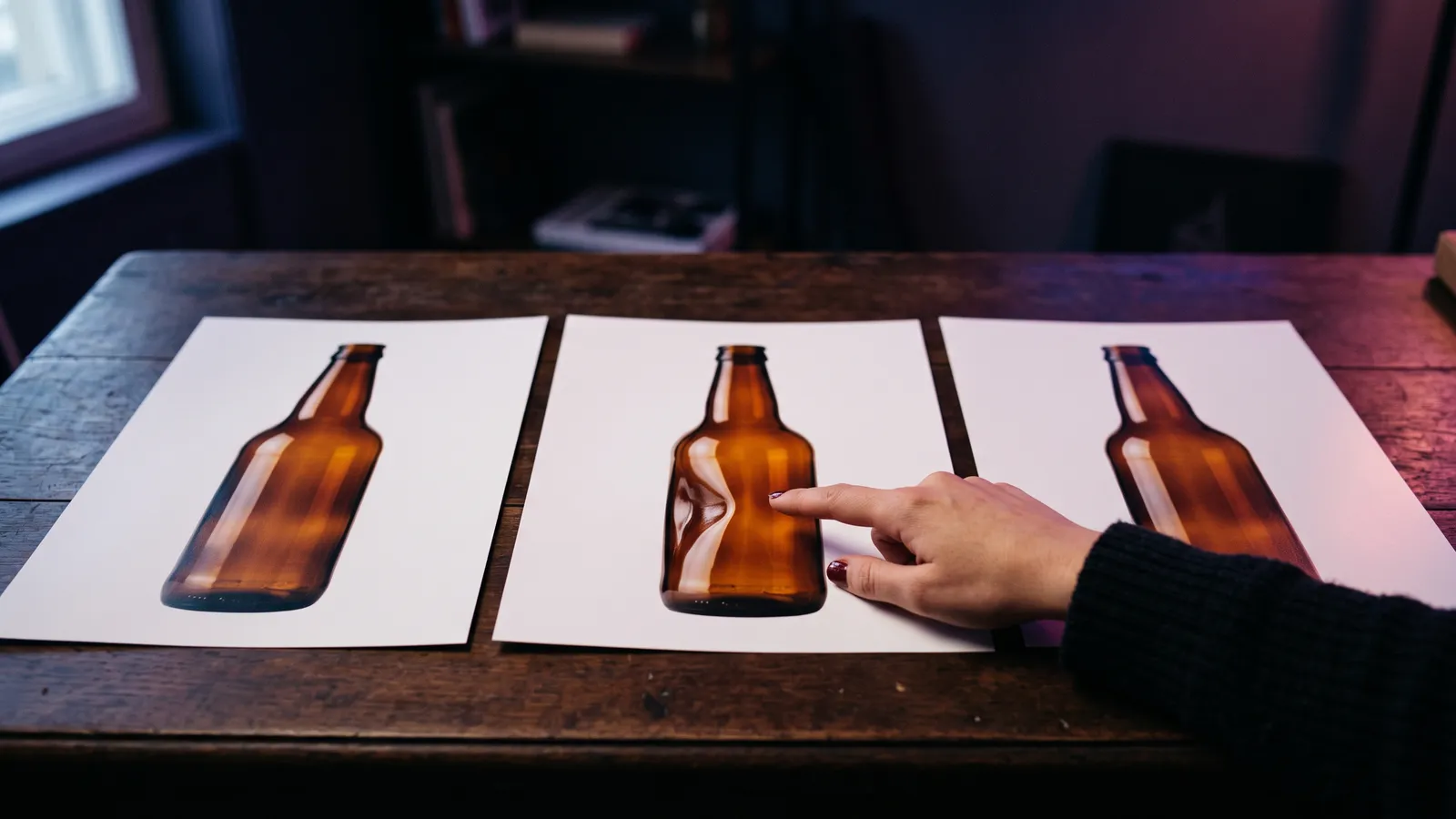
- Packaging test. Product from real photos, slow rotation, hands picking it up. Check the label, shape and colour frame by frame.
- Keyframe test. Five keyframes in 15 seconds. Do the beats land where you put them, and does the motion between them look natural?
- Dialogue test. Ten seconds of a person speaking in the language of the ad. Check the lip sync with the sound on, and have a native speaker listen. Turkish and other unlisted languages need extra care.
- Text test. Kling claims legible text and logos, even with camera movement. Try it for curiosity, but keep prices, legal lines and logos as overlays in the edit. I add those in CapCut, because one wrong digit in a price can cost you more than the time saved.
- Crop test. Check that the subject survives cropping to every placement you plan to buy.
Before the ad goes live
Kling’s Terms of Paid Service say members may use output for any commercial purpose, except to develop or offer competing products, and may remove the watermark. The membership page shows both on paid plans, not on the free plan. The general terms don’t allow commercial use without written permission and ask you to label output with Kling’s brand, so don’t run ads from a free account. If you generate through the API or Runway, read the terms for that route, and keep a copy for client work.
Then come the platform rules. If the ad runs on Facebook or Instagram, see my guide to AI-generated video ads on Meta for labelling, and my note on the Meta terms taking effect on 20 November. Whatever tool made the video, you’re still responsible for what it claims.
Should you switch to Kling 4.0?
Not automatically. I work with different models depending on the shot, and Kling 4.0 now joins the shortlist for two kinds of job: briefs with timed beats that benefit from keyframes, and 15 to 30-second clips where one flowing take matters. For a simple 8-second product shot, it isn’t obviously better value than the alternatives, so test it against what you already use.
If you’d like help choosing a model or producing the ads, see my services or get in touch.
FAQ
When did Kling 4.0 launch?
Kuaishou says Kling 4.0 officially launched on 15 October 2026. Kling’s own guide says early access to the new creation experience began rolling out to a limited group on 28 September. Kling’s release notes now describe Kling 4.0 and Kling 4.0 Flash as fully available.
How much does Kling 4.0 cost per second?
On Kling’s API, as of November 2026, Kling 4.0 without an input video costs 1.0 unit per second at 720p and 1.5 units at 1080p. With the smallest 180-day package at about $0.154 per unit, that is roughly $0.15 and $0.23 per second. For app credits, check the cost on the generation screen.
What is the difference between Kling 4.0 and Kling 4.0 Flash?
Kling 4.0 generates 3 to 30 seconds and lists multi-keyframes, 1080p and 4K. Flash generates 3 to 20 seconds at 720p in 8-bit SDR, costs less, and its spec table doesn’t list keyframes. I would draft on Flash and render approved shots on the full model.
Can I use Kling 4.0 videos in paid ads?
Kling’s Terms of Paid Service say members may use output for any commercial purpose except competing products, and its membership page lists commercial use and watermark removal on paid plans, not the free plan. Its general terms don’t allow commercial use without written permission. Only use reference footage, faces and voices you have the rights to.
Does Kling 4.0 support 4K and HDR?
Partly on paper, so check before you promise it. Kling’s spec table lists 4K, but the same page says 10-bit HDR is coming soon, and the API price table has no 4K rate for Kling 4.0. Runway’s Kling 4.0 endpoint offers 720p and 1080p.