Google Business Profile Setup: 6 Settings for Local Customers
How to set up a Google Business Profile so local customers find you on Maps: name, category, hours, description, photos and reviews, checked against Google.


A customer searches Google Maps for exactly what you sell, a few streets away, and finds your competitor instead. Very often the reason is not the food, the service or the price. It is the profile: a wrong category, missing hours, a name stuffed with keywords that got flagged, or no photos at all.
Google Business Profile is free, and most of what decides whether you show up is in your own hands. I recently made a short video on this topic for small business owners, and this article is the longer, written version: the same six settings, step by step, each one checked against Google’s own help pages as of October 2026.
First, what Google actually ranks on
Before touching any setting, it helps to know the rules of the game. Google’s page on improving your local ranking says local results are mainly based on three things:
- Relevance: how well your profile matches what someone is searching for.
- Distance: how far your business is from the person searching.
- Prominence: how well-known your business is. Google says this is also based on things like how many websites link to you and how many reviews you have.
The same page contains a sentence every business owner should read: there is no way to request or pay for a better local ranking on Google. Anyone who promises you “first place on Maps” for a fee is selling something Google itself says cannot be bought. Paid ads are a separate product; the local ranking itself comes from the three factors above.
You can’t change your distance to a customer. You can work on relevance and prominence, and that is what the six settings do.
1. Business name: exactly what is on your sign
Use the name your customers see on your signage, your menu, your receipts. Nothing more.
Google’s guidelines for representing your business list what does not belong in the name: marketing taglines, service or product details, location details, opening hours, phone numbers and URLs. They also say that adding unnecessary information to the name can lead to the suspension of your Business Profile.
So if your sign says “Your Business Name”, the profile says “Your Business Name”. Not “Your Business Name, Best Kebab in Town”, not “Your Business Name Cheap Haircuts”, not “Your Business Name Downtown”. It is tempting, because it looks like free keywords. In practice it is one of the easiest ways to lose the profile entirely.
2. Primary category: as specific as possible
The primary category tells Google what kind of business you are, and it is one of the strongest relevance signals you control. Google’s guidelines say to choose categories that are as specific as possible but representative of your main business, and to use as few categories as possible.
Choose “Kebab shop” rather than “Restaurant” if kebab is what you are known for. A generic category puts you in competition with every restaurant in the area for searches that are not yours.
You can add more categories. Google’s edit profile page says you can select up to 9 additional categories, but the guidelines warn against using categories as keywords or to describe attributes. Add one or two only if they describe a real, core part of what you do.
3. Complete information: address, phone, hours, special hours, attributes
Google says it plainly: businesses with complete and accurate info are more likely to show up in local search results, and if your info is not accurate, your profile might not show up for relevant searches in your area.
Go through every field:
- Address: a precise, accurate address. If you serve customers at their location and don’t receive visitors, use a service area instead and hide the address. Google’s guidelines say P.O. boxes and virtual offices are not acceptable.
- Phone number: one that is answered during your hours.
- Opening hours: your regular customer-facing hours.
- Special hours: public holidays, religious holidays, summer closures, a renovation week. Google lets you set special hours for these periods. A customer who walks to a closed door because Maps said “open” will not come back easily.
- Attributes: factual details such as parking, Wi-Fi or outdoor seating. These answer questions customers would otherwise have to call about.

4. Description: 750 characters about you, not your offers
The description is your chance to say, in your own words, what customers can expect. Google gives you up to 750 characters and suggests covering what you offer, what makes you different and how long you have been in business.
Two rules from Google’s edit profile page: do not include URLs or HTML, and focus on details about the business instead of promotions, prices or sales. A “50% off this week” line does not belong here.
A simple structure that fits:
- What you are and what you offer, in one sentence.
- What sets you apart: a speciality, a method, a language you serve customers in.
- How long you have been doing it.
- One practical note, such as delivery, booking or accessibility.
Write it for people, not for search engines. A natural sentence that mentions your main product once does more than a list of keywords.
5. Photos and videos: real place, real products, real team
Google’s ranking page says photos and videos let you show customers what you offer and tell the story of your business. What matters is that they are real.
Google’s tips for posting media to Maps ask for media you captured yourself and list stock photos, screenshots, collages and imagery created by others as things to avoid. Show the entrance so people recognise it, the inside, your actual products and the people who work there.
The technical requirements, as of October 2026, from Google’s photos and videos page:
| Photos | Videos | |
|---|---|---|
| Format | JPG or PNG | – |
| Size | 10 KB to 5 MB | Up to 75 MB |
| Resolution | 720 x 720 px recommended, 250 x 250 px minimum | 720p or higher |
| Length | Up to 30 seconds |
Google also asks for photos that are in focus, well lit and without heavy filters. A phone camera in daylight is enough.
6. Reviews: ask everyone, reward no one, reply to all
Reviews feed directly into prominence. Google says more reviews and positive ratings can help your local ranking, and positive reviews with helpful replies help you stand out.
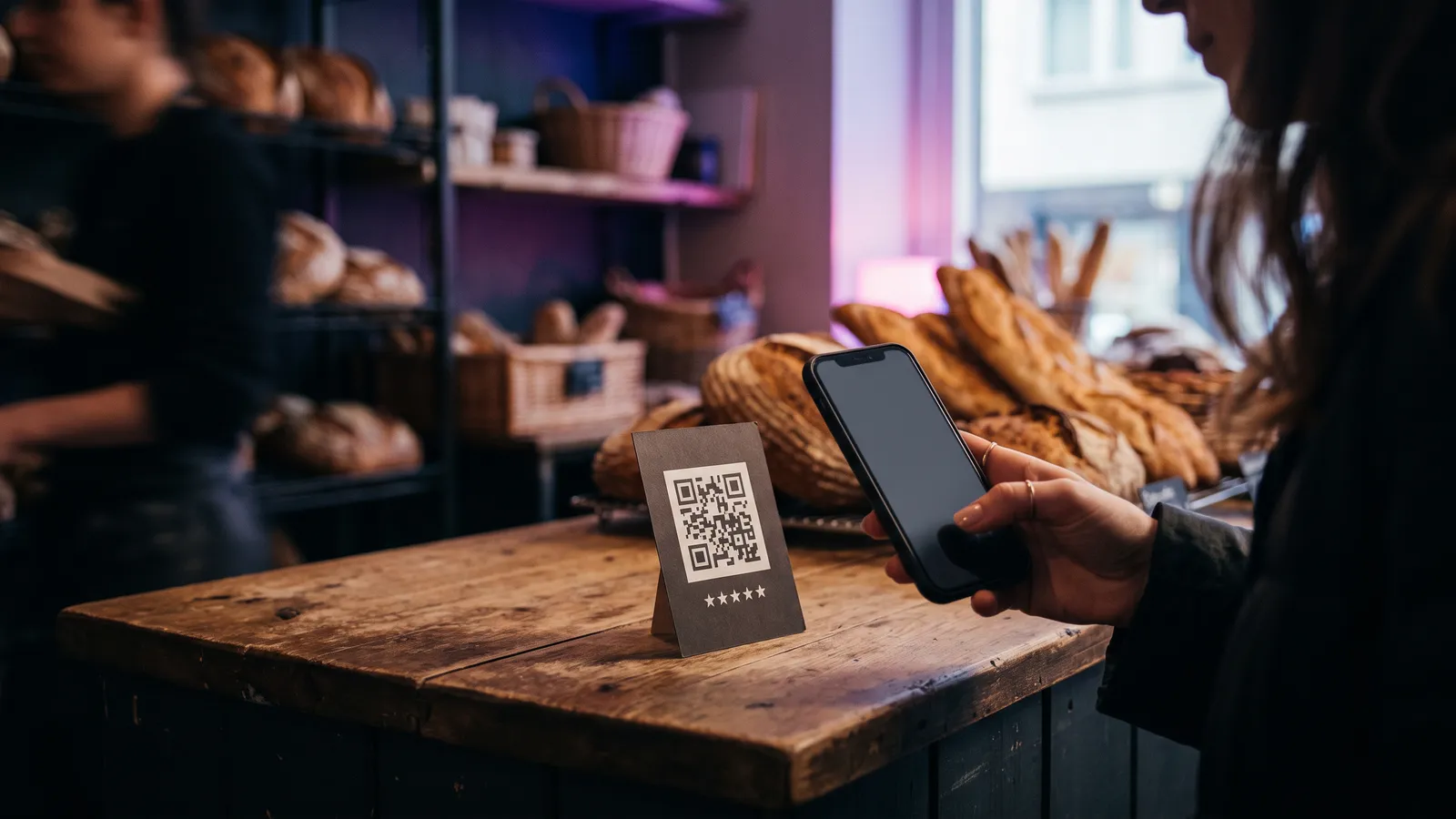
Asking is allowed. Google’s tips to get more reviews say you can ask customers to visit a Google link or scan a QR code. A card at the till or a short message after a job is done both work.
Rewarding is not. Offering incentives such as free or discounted goods or services in exchange for reviews is strictly prohibited, and that includes rewards for changing or removing a negative review. Google’s content policy also prohibits discouraging or prohibiting negative reviews, selectively asking only happy customers, and pressuring people to write reviews while they are on the premises.
Reply to every review, good or bad. Google says replying shows customers that you value their feedback, and the reviewer is notified when you reply. Google’s advice for replies: keep them short, polite and conversational, not promotional. With a negative review, protect the customer’s privacy, admit a mistake if there was one and apologise where it fits.
Do and don’t, field by field
| Field | Do | Don’t |
|---|---|---|
| Business name | Exactly as on your signage | Add “best”, “cheap”, products or your district |
| Primary category | The most specific one that fits (“Kebab shop”) | A broad one (“Restaurant”) or categories used as keywords |
| Hours | Regular hours plus special hours for holidays | Leave holidays to chance |
| Attributes | Parking, Wi-Fi, seating and other facts | Claim things you don’t offer |
| Description | What you offer, what sets you apart, how long, up to 750 characters | URLs, prices, promotions |
| Photos and videos | Your own place, products and team | Stock photos, collages, heavy filters |
| Reviews | Ask every customer, reply to every review | Offer discounts or gifts, ask only happy customers |
Two more steps: verify, then keep it current
Verify the profile. Google’s verification page explains that verification gives you ownership of the profile, and the ranking page says a verified business is more likely to show up in search results. Google decides which methods you are offered: phone or text, email, a live video call or a postcard. Google says verification reviews can take up to 5 business days.
Keep it current. Hours change, menus change, you renovate. Google ties accuracy directly to visibility, so outdated info costs you searches. A simple habit is to open the profile once a month, check hours and upcoming holidays, add a few new photos and answer any new reviews. That rhythm is my suggestion, not a Google rule, but it is enough to stop the profile from going stale.
Where this fits in your online setup
For 7+ years I’ve worked with Meta advertisers: first advising 150–280 businesses per quarter on campaigns, Pixel, Conversions API and catalog setups, then leading two teams of up to 27 Meta Marketing Pros serving ~4,500 advertiser accounts. The lesson that carries over: get the basics right before spending on ads. A free listing with the right category, real photos and current hours does work that paid campaigns can’t replace.
If you want to go a step further, the same logic applies to AI search. My article on GEO and getting cited in AI search covers the website side. If you would rather have someone set up your profile, website and tracking with you, take a look at my services or get in touch. I post short videos for small businesses (in Turkish) on my YouTube channel.
FAQ
Can I pay Google to rank higher on Google Maps?
No. Google says there is no way to request or pay for a better local ranking. Local results are mainly based on relevance, distance and prominence.
Can I add keywords or my district to my business name?
No. Google’s guidelines say the name should reflect your business’s real-world name. Marketing taglines, service or product details and location details are not allowed, and adding unnecessary information to the name can lead to the suspension of your profile.
How long can my Google Business Profile description be?
Up to 750 characters. Google recommends describing what you offer, what makes you different and how long you have been in business. Do not include URLs or HTML, and focus on the business rather than promotions, prices or sales.
Is it allowed to give customers a discount for a Google review?
No. Offering incentives such as free or discounted goods or services in exchange for reviews is strictly prohibited by Google. You can ask every customer for a review, for example with your review link or a QR code, but you cannot reward it or ask only happy customers.
Do I have to verify my Google Business Profile?
Verification is how you show Google that you are authorised to represent the business, and Google says verified businesses are more likely to show up in search results. Google decides which methods you are offered, such as phone or text, email, video or postcard.