Shopify Agentic Storefronts: Sell in ChatGPT, Copilot, Gemini
How Shopify Agentic Storefronts list your products in ChatGPT, Copilot, Gemini and Meta: who has it, where to check it, and how to write AI-readable products.

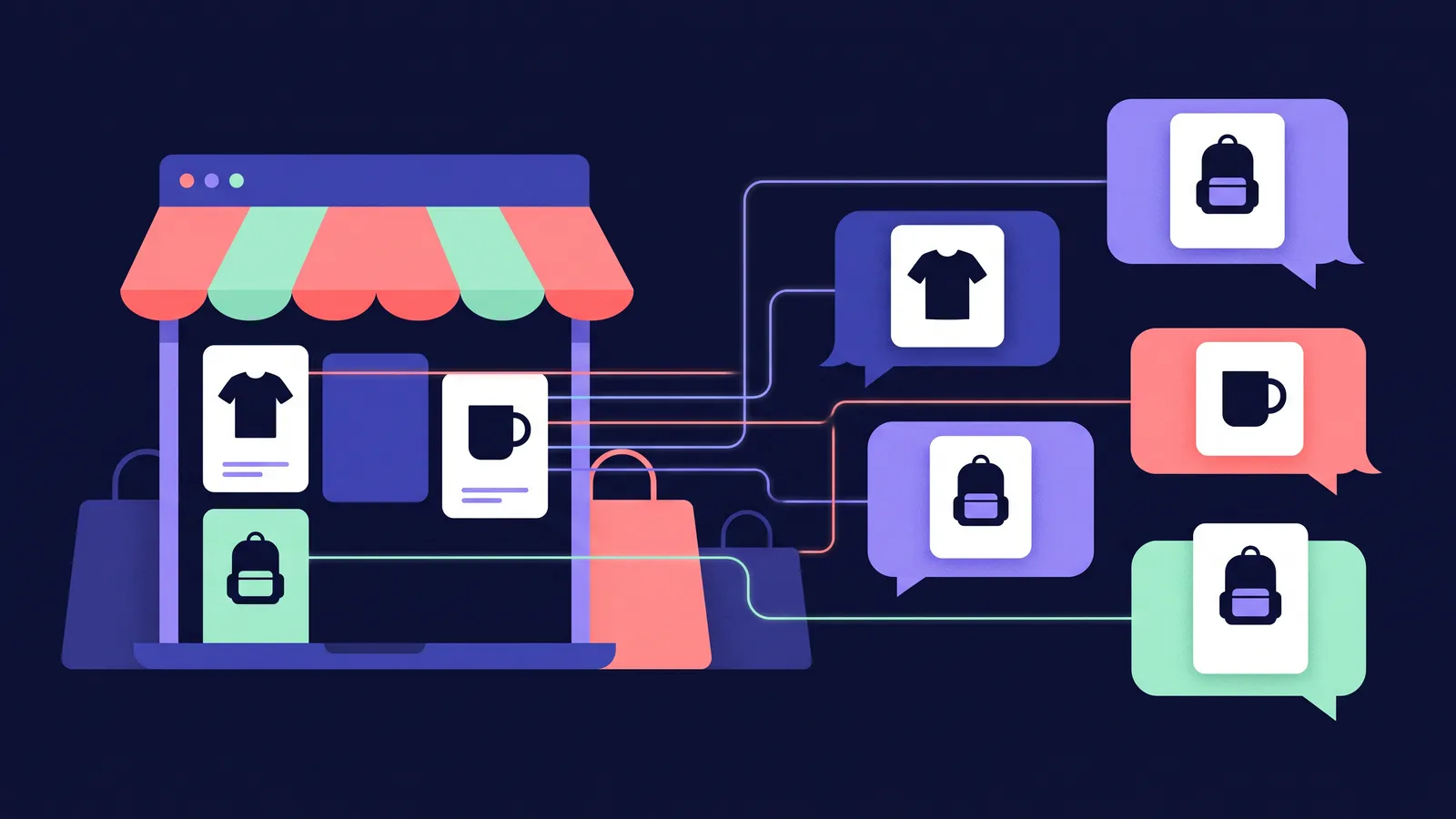
A growing share of shoppers never start on your homepage. They ask ChatGPT for “a linen shirt that doesn’t crease too much”, ask Copilot to compare two backpacks, or let Gemini narrow down gift ideas, and the first time they see your store is a product card inside that conversation. Shopify built a feature for exactly this, called Agentic Storefronts, and if you run an eligible store it is probably already switched on.
This guide covers what it does, which AI channels it reaches, where to check it, how to write product pages an AI can use, the compare-at switch and measurement. Everything below comes from Shopify’s, OpenAI’s, Microsoft’s and Meta’s own pages, as of October 2026. If you want the wider picture first, read my articles on getting cited in AI search (GEO) and ads in AI assistants. This one stays inside the Shopify admin.
Why it is worth ten minutes: Shopify’s Q1 2026 numbers
In May 2026 Shopify published an analysis of AI-referred traffic based on its Q1 2026 commerce data:
- AI-referred sessions converted at nearly 50% higher rates than organic search (the chart shows 49%; the comparison covers sessions that start on a product page).
- Average order value from AI-referred sessions was 14% higher than from organic search.
- AI-referred orders on Shopify grew nearly 13x year over year.
- More than half of AI-referred sessions (55%) started on a product page, against 20% for organic search.
These are averages across Shopify merchants, not a forecast for your store. The last number matters most here: AI usually sends people straight to a product page, and that page and its data are what you can improve.
What Agentic Storefronts is
Agentic Storefronts lets customers discover and buy your products in AI channels. Shopify’s help page says it is active by default for eligible stores. Under the hood, your products reach the AI channels in three ways:
- Shopify Catalog for ChatGPT and Microsoft Copilot (and Meta). Shopify formats your title, description, options, images, price, availability and other key attributes for AI agents and keeps them updated as stock and prices change.
- Google Merchant Center for Google AI Mode and Gemini, fed by the Google & YouTube sales channel or another feed.
- Normal web crawling, the same way any search engine finds your pages.
Shopify introduced it in December 2025, expanded it in January 2026 and added Meta on 8 September 2026.
Which AI channels, and where people can pay
This is the part most posts get wrong. “Listed in ChatGPT” and “bought inside ChatGPT” are two different things, and they differ per channel.
| AI channel | How products get there | Where the customer pays (October 2026) | Customer regions per Shopify |
|---|---|---|---|
| ChatGPT | Shopify Catalog | On your store’s checkout, opened in ChatGPT’s in-app browser or a new tab | Store must sell to US customers |
| Microsoft Copilot | Shopify Catalog | Direct checkout in the chat, on by default | Direct checkout shown to US customers only |
| Google AI Mode and Gemini | Google Merchant Center (Google & YouTube channel) | Direct checkout, rolling out gradually | US, Canada, Australia |
| Meta (Meta AI and Muse) | Shopify Catalog plus the Facebook and Instagram by Meta channel | Direct checkout on Meta surfaces, including Muse when available | US, Canada, Mexico, Brazil, Japan, Singapore |
A few precise points:
- ChatGPT has no in-chat checkout for Shopify stores. Shopify’s ChatGPT page says users complete their purchase on your online store checkout and that there is no ChatGPT direct checkout setting. OpenAI explained in March 2026 that the first version of Instant Checkout did not offer the flexibility it wanted, so it lets merchants use their own checkout while it focuses on product discovery. Your store can be based anywhere, but it must sell to customers in the United States.
- Copilot checkout began rolling out in the US in January 2026. You stay the merchant of record.
- Meta’s channel covers Meta AI and Muse, the personal AI agent Meta introduced in September 2026, which Meta says is rolling out in the United States.
- In all direct checkouts, subscriptions, product bundles, customisable products and B2B-only products are not supported, and Google Analytics and custom pixels don’t fire. Shopify charges no channel fees, only your normal payment processing fees.
So if you sell from Germany or Turkey to local customers only, Shopify’s requirements mean the ChatGPT and Copilot catalog routes don’t apply to you yet. Your products can still show up in AI answers through crawling and Google Merchant Center, which is why the product page work below matters for everyone.
Step by step: check it in your admin
Shopify’s management guide puts everything in one place. Note that it is not under Settings; it sits with your sales channels.
- In your Shopify admin, go to Sales channels > Agentic. You need to be the store owner, or have the Products > View and App and sales channel > Agentic staff permissions.
- Look at Sources > Shopify Catalog. An eligible store shows a product count. An ineligible store shows Ineligible; click it to see why.
- If you are ineligible, check the Catalog requirements. Common reasons: a password-protected store, a plan below Starter, a B2B-only store, or account standing issues. Products need a title, at least one image, a price above zero, an identifiable URL and must be published to the online store; Unlisted products and categories such as alcohol, tobacco, weapons and event tickets are excluded.
- Check your policies. ChatGPT, Copilot, Google and Meta all require completed Terms of service, Privacy policy and Return and refund policy in Settings > Policies, plus acceptance of the Agentic Storefronts Supplemental Terms.
- For Google, open the Google & YouTube channel and make sure Automatically sync products and Automatically sync shipping information are on in the Product feed section.
- Decide on control. Allow Shopify to manage for me is on by default: all channels active, automatic enrolment in new AI channels, direct checkout where supported. Turn it off if you want to manage channels one by one, switch off Auto enroll new storefronts, or turn off direct checkout for a specific channel. Then click Save.
- Try the Search preview tool on the same page. It runs a query against Shopify Catalog search and shows how your products might rank, which is the quickest way to spot products that don’t come up.

Write product descriptions an AI can read
Shopify’s optimisation guide lists the fields AI platforms use: title, description, images, product type, vendor, collections, tags, barcodes (GTIN, UPC, ISBN) and variants with their option names. Its research post adds detailed descriptions, technical specs and popular use cases.
An AI agent answers a question like “a breathable shirt for a summer wedding, machine washable, under €80”. It can only recommend your product if the page states those facts in words. When I set up Shopify stores for clients such as KingKerosin, Cricket & Co, Pole and Eyeshot, I treat product text as part of the setup, not as decoration next to a photo. With AI channels that matters more, because the text is what the agent reads.
Here is the difference, for a made-up shirt:
Hard for an AI to use:
Our bestselling shirt. Effortless summer vibes you’ll love. Perfect for any occasion!
Easy for an AI to use:
Men’s linen shirt, regular fit, long sleeves with a button-down collar. 100% European linen, 160 g/m², lightly pre-washed so it shrinks less than 2%. Sizes S to XXL; the model is 185 cm and wears M. Good for warm days, travel and summer events; linen creases naturally, so steam it if you want a crisp look. Care: machine wash at 30 °C, do not tumble dry, iron on medium. Colours: white, sand, navy.
The second version answers size, material, use and care in plain sentences. A simple checklist for each product:
- Title: product type plus the main attribute (“Men’s linen shirt, regular fit”), not only a brand name.
- Size and fit: measurements, size range, model height and size, or dimensions and weight for objects.
- Material: composition in percentages, weight or thickness where it matters.
- Use: who it is for and the situations it suits, in words people would type.
- Care and limits: washing, maintenance, what it is not suitable for.
- Variants: real option names (“Colour: Navy”, not “Option 2”).
- Barcodes and product type: fill them in; they help match your product to the right searches.
If your details live in metafields or metaobjects, use Shopify Catalog Mapping so the catalog reads the right field, and to group separate products that are really variants of one item. For ChatGPT, Shopify also asks you to put relevant legal disclosures in the first 6,000 characters of the description.
Set compare-at prices (and the AI switch)
If you discount, use the Compare-at price field. In the product page, set Compare-at price to the original price and Price to the sale price; the compare-at price must be higher, or no sale is shown.
Then there is a second, separate switch for AI channels. In Sales channels > Agentic, click the icon next to Shopify Catalog in Sources, choose Review product data mapping, and turn the switch in the Compare-at section on or off, then Save. When it is on, Shopify Catalog sends the compare-at price only if it is higher than the current price, and AI agents may show it as a strikethrough price. When it is off, only the current price is sent. Your store starts with a default selection that Shopify doesn’t spell out, so check yours. And if you use the switch, keep compare-at prices honest: in the EU and in Turkey, price reduction rules apply to how you present a former price.
Measure AI traffic and orders
You can’t improve what you don’t separate from the rest. As of October 2026:
- Per channel: go to Sales channels > Agentic. In the main analytics section choose Sales, Orders, Online store sessions or Online store conversions, set the date range, and click an AI channel’s name for its report.
- All AI channels together: in the Explore section of the same page, click Review on the “Understand your performance on agentic channels” panel. Sales combine referral sales and direct checkout sales.
- Referral traffic: Shopify suggests filtering by referrer channel in Shopify Analytics to see AI referral traffic separately. ChatGPT also adds utm_source=chatgpt.com to its links, as I explain in the GEO guide.
- Remember the gap: in direct checkouts your Google Analytics tag and custom pixels don’t fire, so Shopify’s own reports are the reference. Performance analytics aren’t available for headless stores.

Hiding products, B2B and other details
- Opting out of the feed for ChatGPT or Copilot can take up to 7 days and does not fully hide products, because crawlers can still find them. To hide a product completely, Shopify points to the Unlisted status, which also removes it from your sitemap, search engines and store search.
- B2B: agentic storefronts only support direct-to-consumer sales. Products sold to both groups show the D2C price.
- Discovery files: every Shopify store already serves /agents.md, /llms.txt and /llms-full.txt, and you can customise robots.txt.liquid. Shopify notes robots.txt rules are advisory.
My short checklist
Confirm eligibility in Sales channels > Agentic, complete your policies, sync Google & YouTube, rewrite your top 20 product descriptions, decide on the compare-at switch and check the agentic report monthly. For most stores that is an afternoon, and human shoppers benefit too.
If you would rather have someone set this up, or want product videos and AI video ads that give these channels better material to show, see my services.
FAQ
Do I need to do anything to sell my Shopify products in ChatGPT?
Usually not. Shopify says agentic storefronts are active by default for eligible stores, and that you don’t need to do anything for ChatGPT to discover your products through Shopify Catalog. For ChatGPT your store must sell to customers in the United States, but it can be based elsewhere. Check Sales channels > Agentic in your admin to confirm your store is eligible.
Can customers pay inside ChatGPT?
Not for Shopify stores in general. As of October 2026, Shopify’s help page says ChatGPT users complete their purchase on your online store checkout, opened in ChatGPT’s in-app browser or a new tab, and there is no ChatGPT direct checkout setting. OpenAI said in March 2026 that it lets merchants use their own checkout while it focuses on product discovery.
Where can customers buy without leaving the AI chat?
In Microsoft Copilot (direct checkout shown to US customers only), Google AI Mode and Gemini (rolling out gradually to customers in the US, Canada and Australia) and on Meta surfaces including Muse when available. Direct checkout is on by default for eligible stores and can be turned off per channel. Subscriptions, bundles, customisable products and B2B-only products are not supported.
How do I stop a product from appearing in AI channels?
Turning off Shopify Catalog access for ChatGPT or Copilot stops the catalog feed, which can take up to 7 days, but products can still be found through normal web crawling. To hide a product completely, Shopify points to setting its status to Unlisted, which also removes it from your sitemap, search engines and your store’s own search.
How do I see sales and traffic from AI channels in Shopify?
Go to Sales channels > Agentic. The performance section shows sales, orders, online store sessions and conversions for each AI channel, and the Explore panel “Understand your performance on agentic channels” adds up sales across channels. Shopify also suggests filtering AI referral traffic by referrer channel in Shopify Analytics.