 Shopify app · AC Studio
AC Fatura
Turn orders into Turkish e-Arşiv invoices through your own GİB portal account, with no integrator.
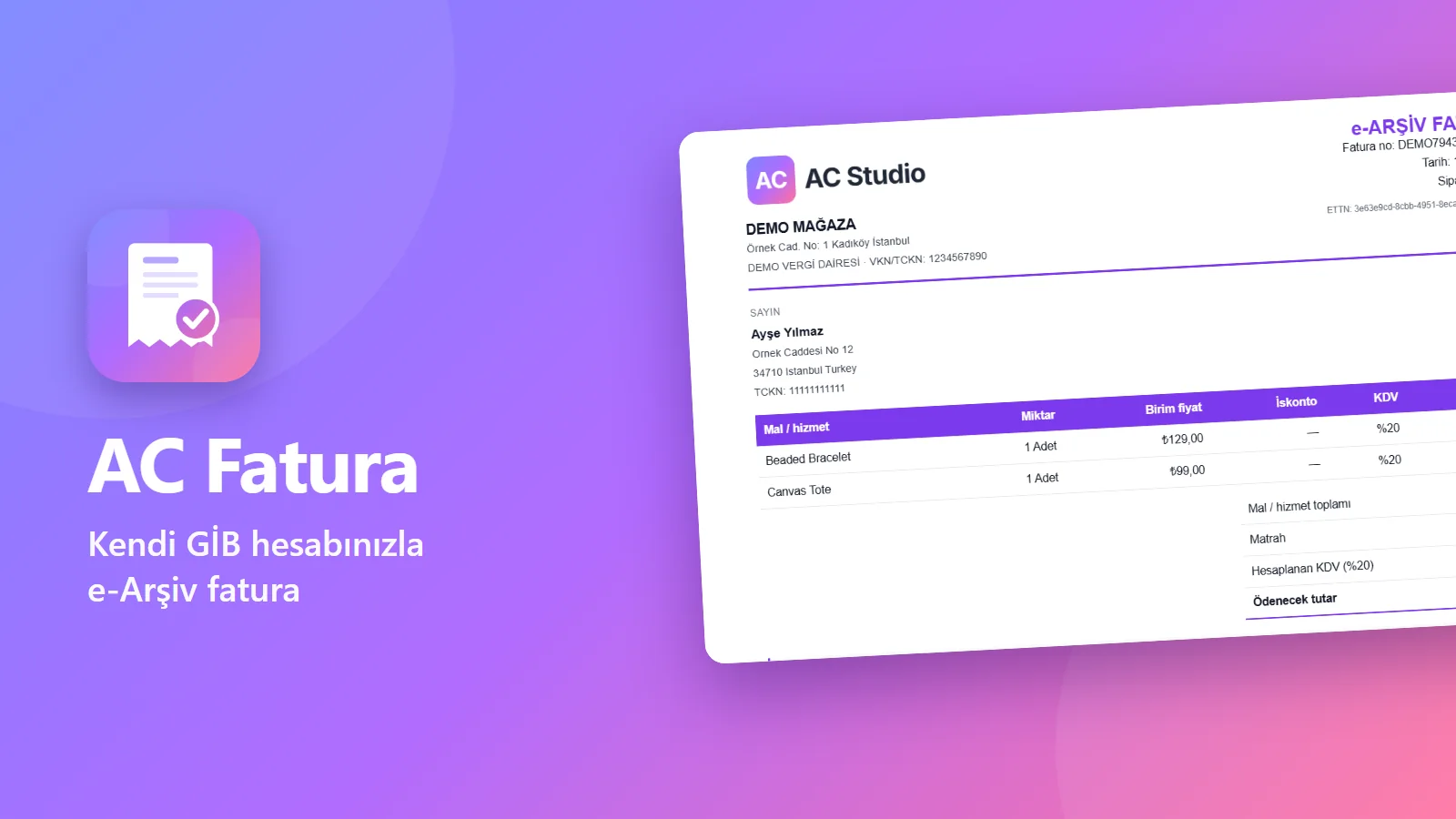
With AC Fatura you pay no per-invoice credits: no integrator contract or credit package is needed, because Turkish e-Arşiv invoices are issued from your own GİB e-Arşiv Portal account. Fulfilled orders join the signing queue with buyer, items, shipping and VAT filled from the order. You preview, edit if needed and sign with the SMS code GİB sends to your phone. The invoice is emailed to your customer as a PDF.
How it works
- 1
Connect your GİB account
Add your own e-Arşiv Portal account and the phone registered for signing, once.
- 2
Orders join the queue
Fulfilled orders land in the signing queue with buyer, items, shipping and VAT from the order.
- 3
Preview and sign
Check the invoice, edit it if needed and sign with the SMS code from GİB.
- 4
Your customer gets it
The invoice goes to your customer as a PDF attachment in an email with your logo.
What you get
No credits, no integrator
Invoices are issued from your own GİB e-Arşiv Portal account; there is no fee per invoice.
Invoices filled from the order
Fulfilled orders join the signing queue with the details filled from the order.
Checks before signing
Preview, a warning when totals don’t match, and manual edits if needed.
SMS signing
For each signature GİB sends a code to your registered phone, and you enter it.
Email with the PDF
The signed invoice goes to your customer in an email with your logo and editable text.
Pro: bulk signing
Sign up to 20 invoices with one SMS code; email designs, invoice templates and colors.
Inside the app
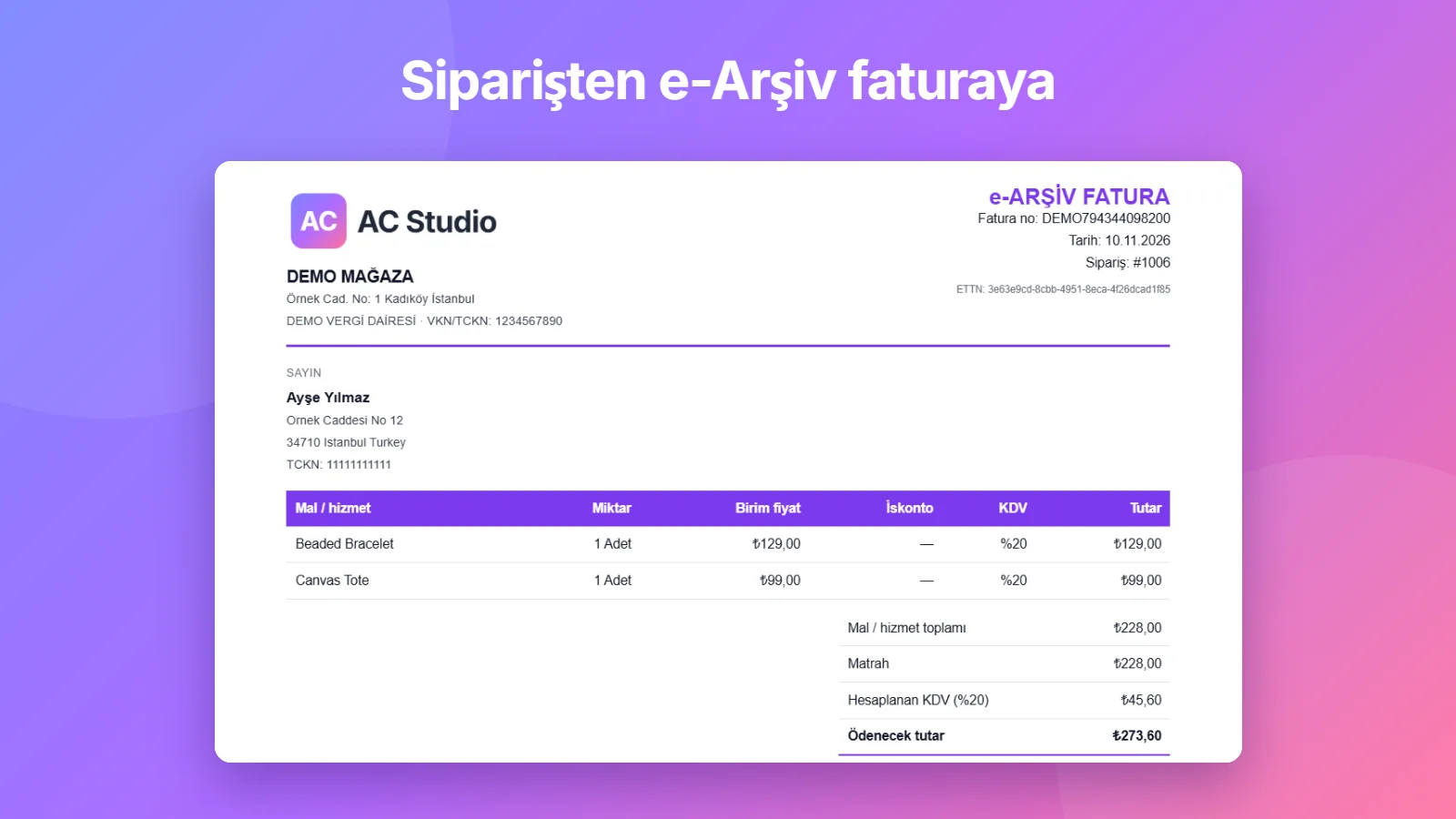
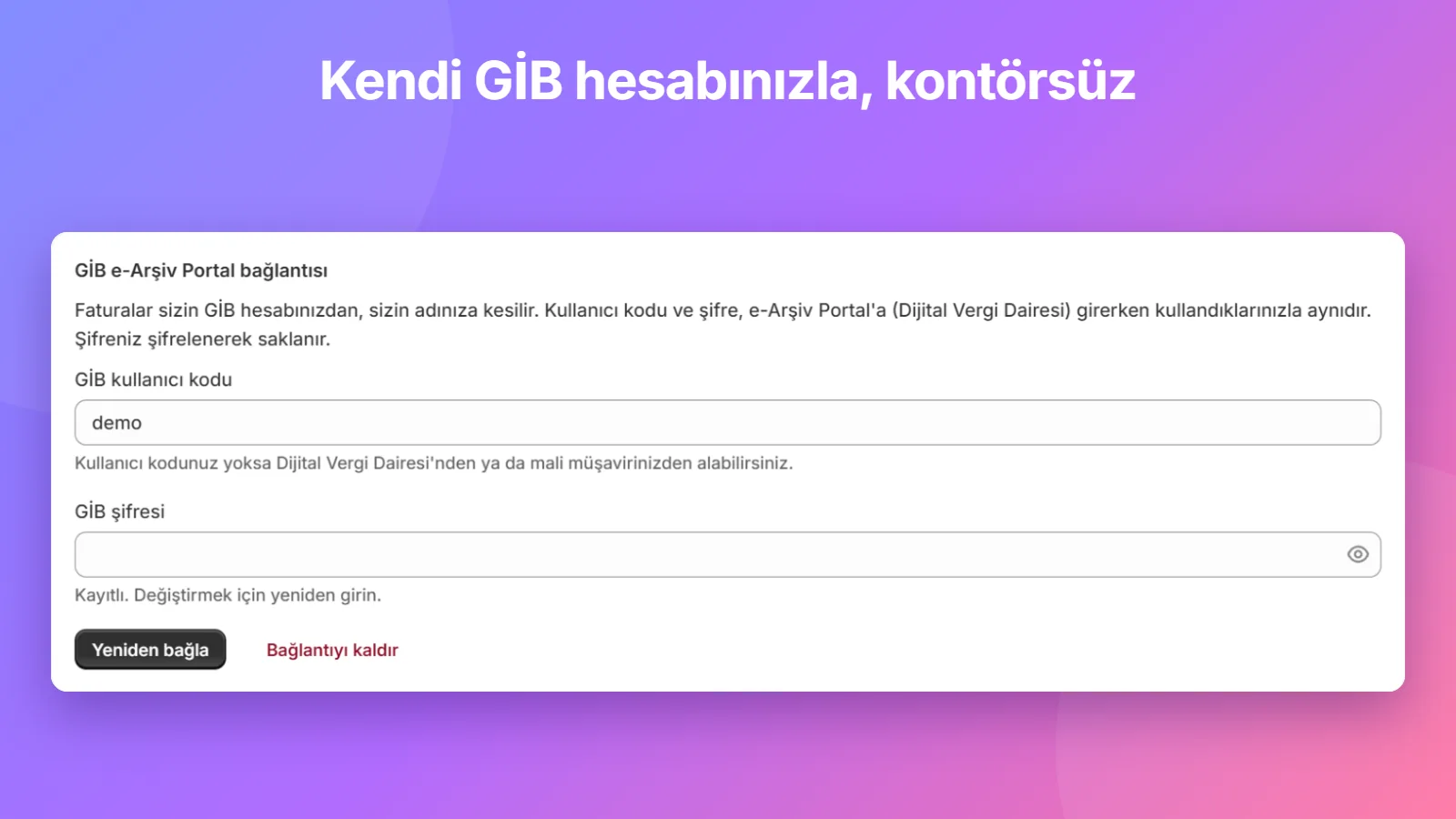
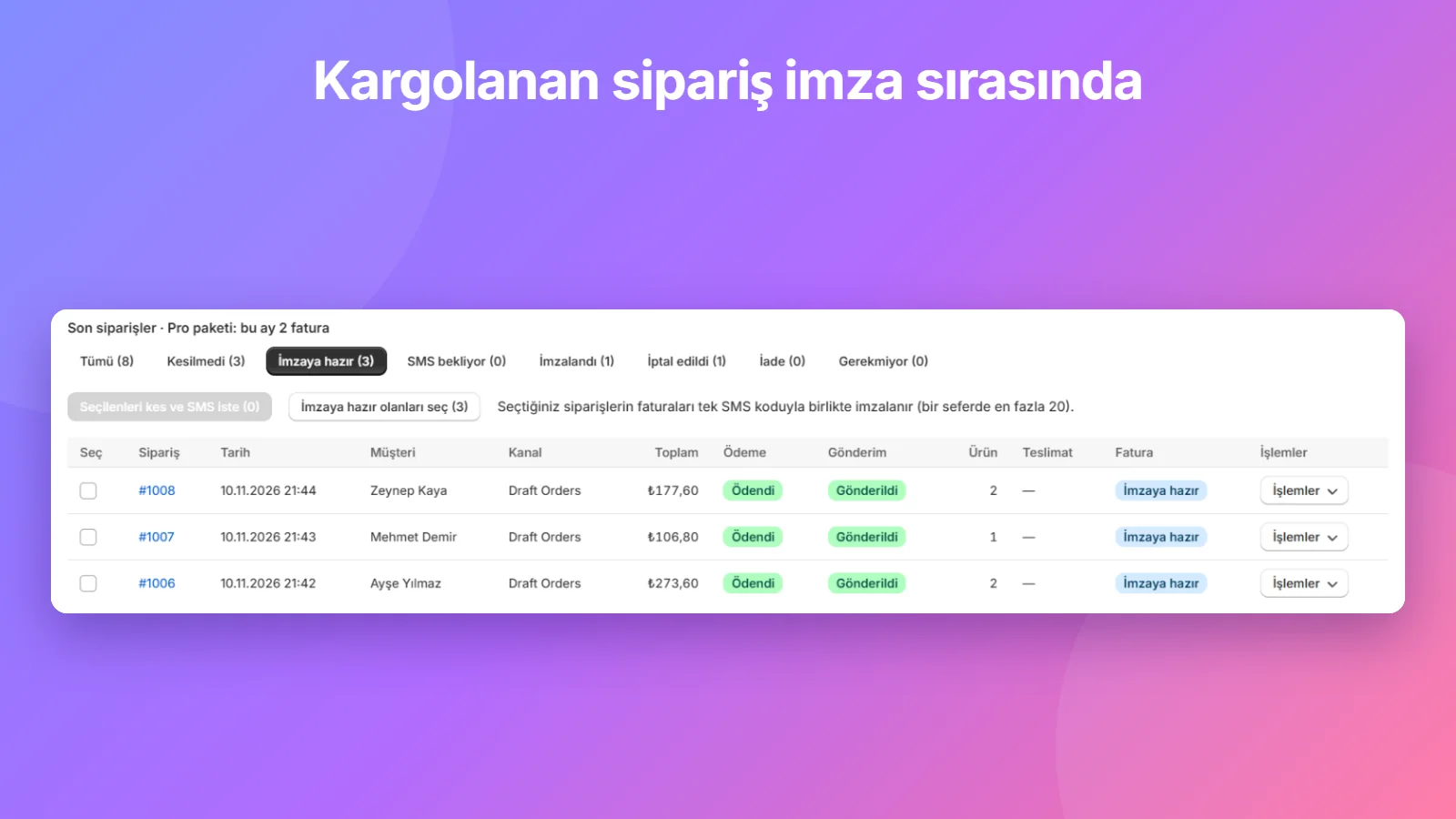
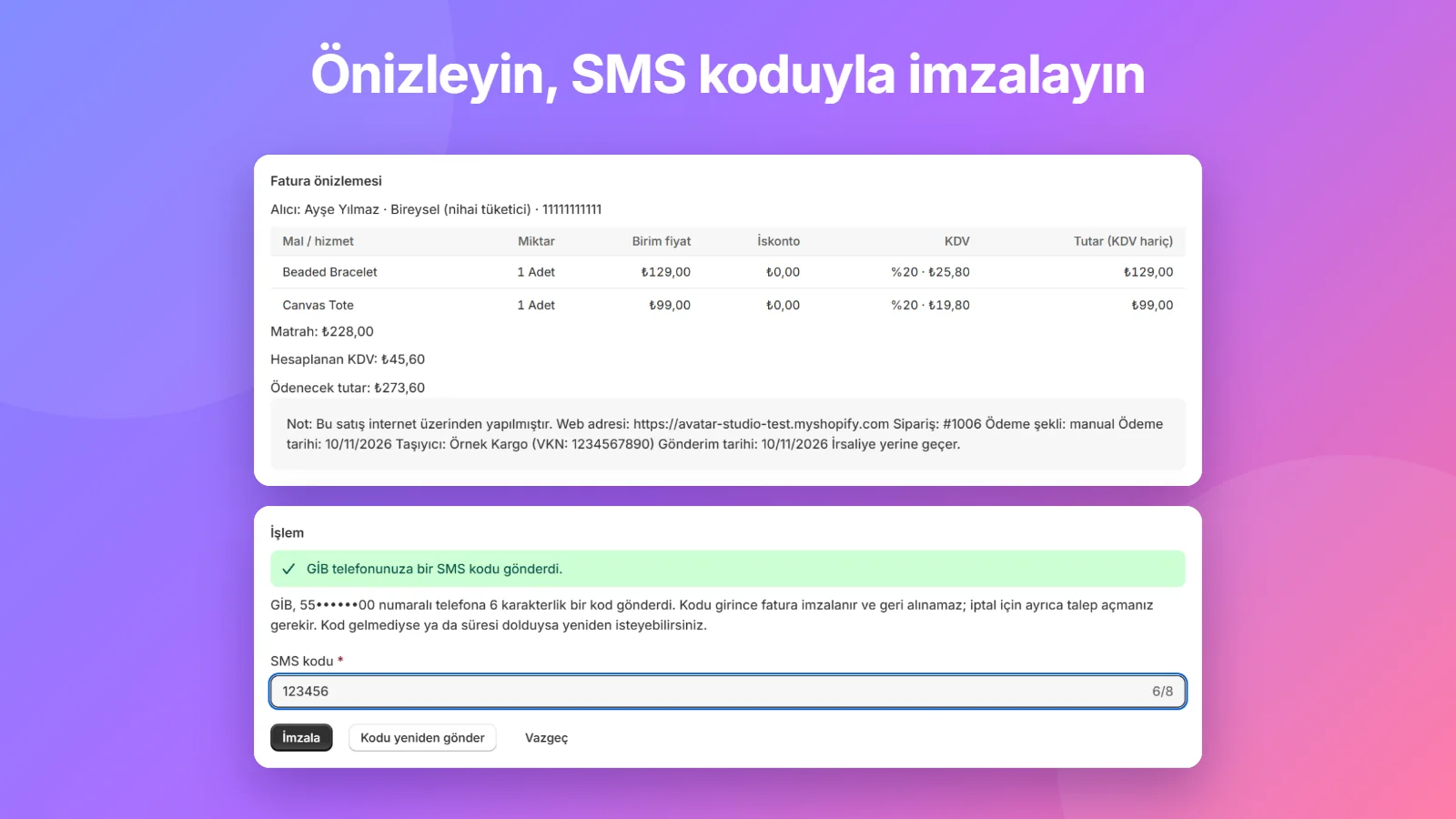
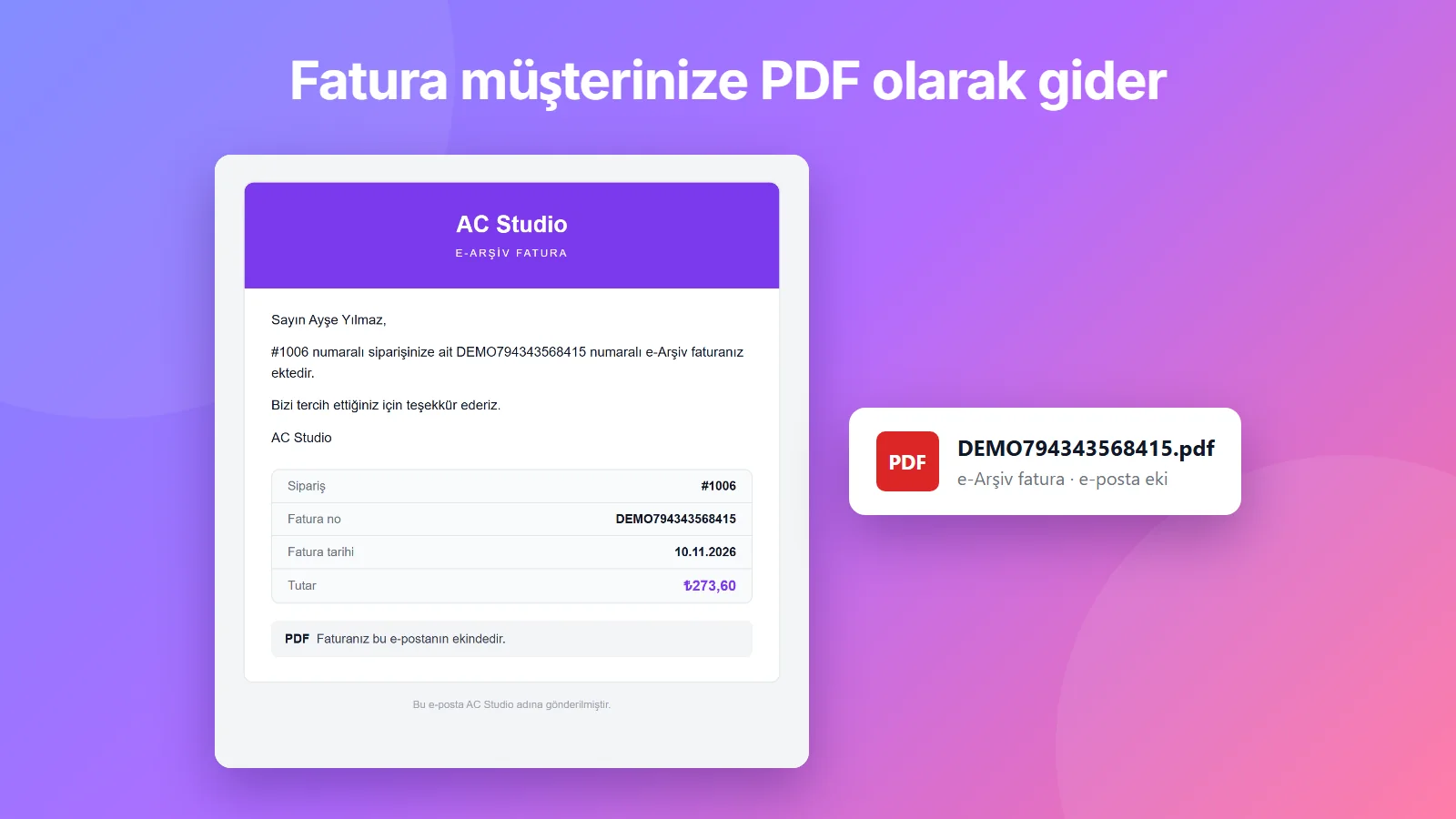
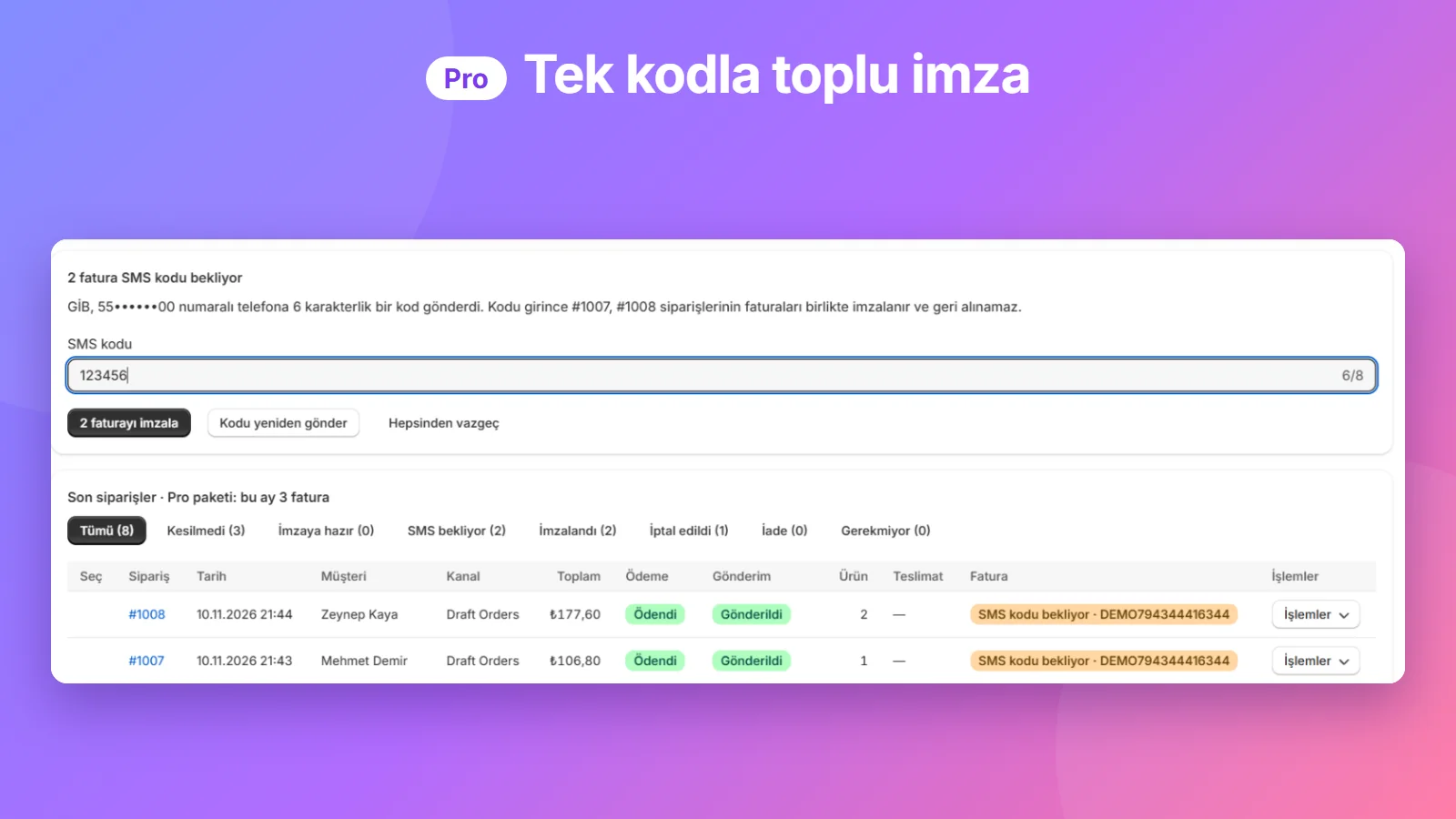
The store, customer and invoice details in these images are sample data. The app and the images are in Turkish.
Plans
Free
$0
- 10 invoices a month
- Your own GİB account, SMS signing
- Automatic email with the PDF on signing
- Email with your logo, editable text
Standard
$9.99 / month
or $99 a year
- 100 invoices a month
- Everything in Free
Pro
$14.99 / month
or $149 a year
- Unlimited invoices
- Bulk signing with one SMS code (up to 20)
- Email designs, invoice templates and colors
- Remove the “Sent with AC Fatura” line
Launch offer: the first 20 stores get their first month on the Standard plan for $1.99, with unlimited invoices. From the second month the Standard plan applies: $9.99 a month, 100 invoices a month. The offer is available once per store and ends when the 20 places are taken; the Plans page in the app shows how many are left.
Prices in USD, billed through Shopify and subject to change. No extra fee per invoice. The email carries GİB’s official invoice as a PDF attachment.
Common questions
Do I need invoice credits or an integrator?
No. Invoices are issued from your own GİB e-Arşiv Portal account; there is no fee per invoice.
Who can use it?
Taxpayers who can issue invoices through the GİB e-Arşiv Portal. Businesses registered for e-Fatura cannot use it.
Are invoices issued fully automatically?
No. For each signature GİB sends an SMS code to your registered phone, and you enter it.
How is my GİB password stored?
Encrypted. It is deleted immediately when you uninstall the app.
Is my customers’ data stored?
No. Names, addresses, ID numbers and email addresses are not written to our database; only order and invoice numbers and the invoice status are kept.
Who is responsible for tax decisions?
The merchant is responsible for the invoice content, the VAT rate and for leaving an order without an invoice. The app does not give tax advice; ask your accountant.
How am I billed?
Through Shopify; charges appear on your Shopify invoice.
Support
We answer in Turkish and English, usually within two working days. Please include your store address (your-store.myshopify.com) and, if your question is about a specific invoice, the order number.
Do not send your GİB password or SMS codes by email; we never ask for them.
developer@alpercengiz.comLegal
AC Studio · Alper Cengiz, Berlin